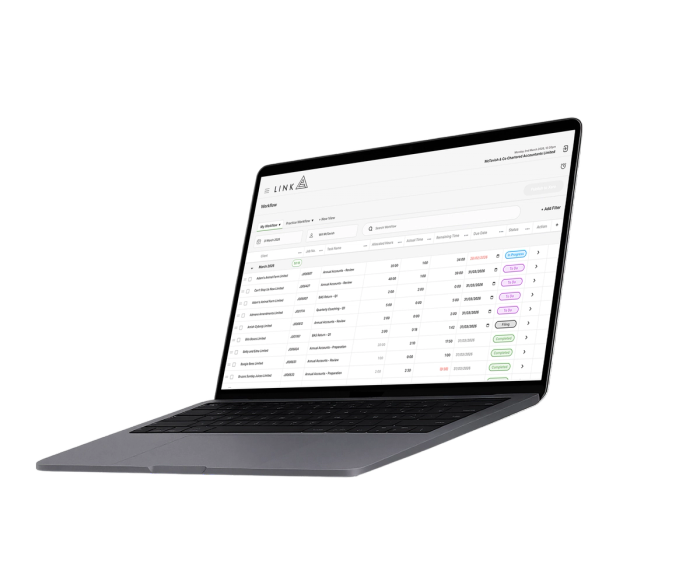
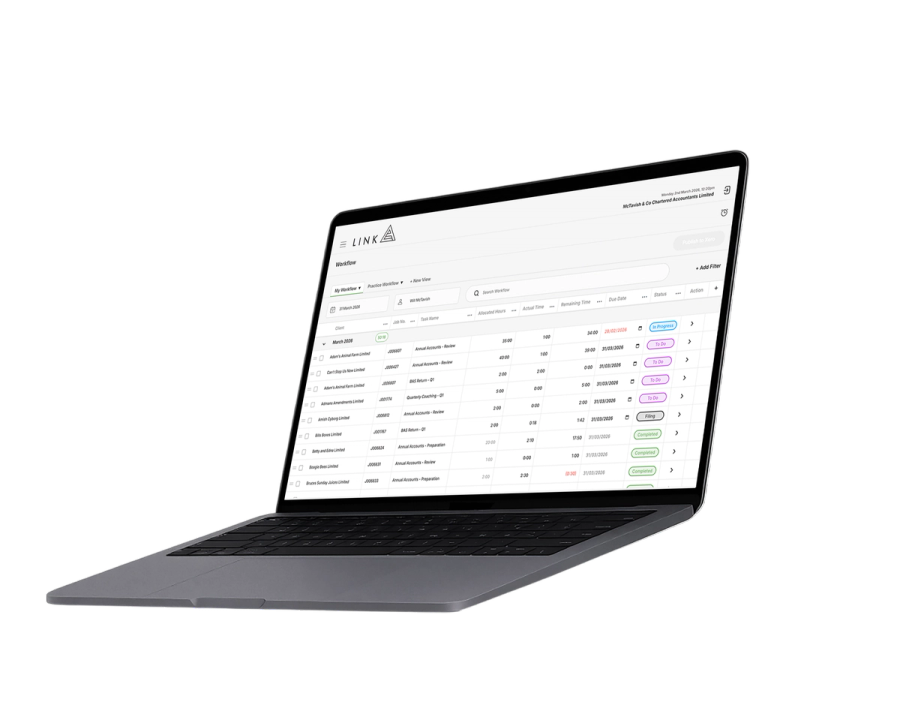
Job budgets that are always visible to your team.
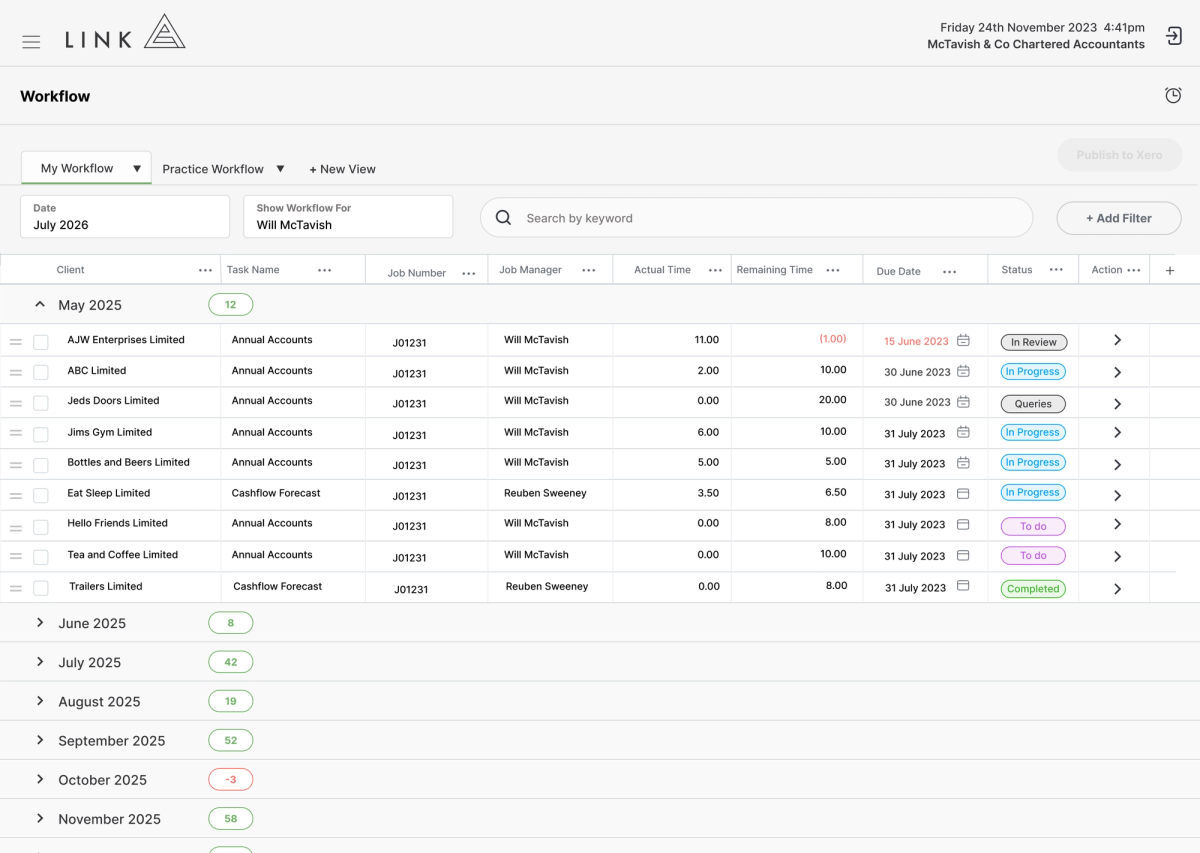
When you fix a fee on a job, it’s important to track time against the budget as the job progresses. Unfortunately, your workflow system doesn’t show accurate budgets for your team to work towards. This results write-offs that only show up once the job is completed.
When your workflow system shows accurate time budgets, you can spot a job not going to plan before it becomes a write-off.
No email required No sales pitch Around 2 minutes per deep dive
If you like what what you see, book a discovery call with our team.
Trusted by over 4,000 accountants every day.
Running a firm with fixed fees
is challenging.
Running a firm with fixed fees can be challenging. You have limited visibility across your workflow, making budgets difficult to see, so write-offs always come as a surprise.
When budgets are invisible to your team, overruns are difficult to spot, and write-offs only become known months after the work has been completed.
Disconnected Systems
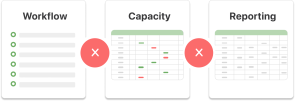
The systems don’t talk to each other, there are too many spreadsheets, and you can’t get any clear answers.
Budget Visibility

Budgets are separate from workflow making it difficult to communicate them with your team.
Surprise Write-offs

You don’t find out about write-offs until the job is closed because budgets are not visible in workflow.
WHAT YOU HAVE TRIED
You have already tried to solve these problems.
Everything you tried just added more complexity.
You knew you couldn’t run a firm on spreadsheets, so you looked around for some solutions. Everything you looked at only solved part of the problem. It seemed nothing was really designed for your situation.
Spreadsheets
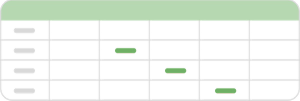
The spreadsheets worked, somewhat, but data gets messy, and maintaining them became a job in itself.
Point-solutions

You tried Ignition and other point-solutions. They solved one problem, but created others.
Other solutions

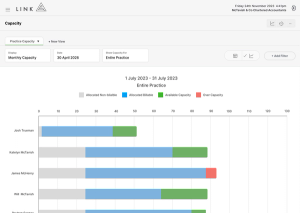
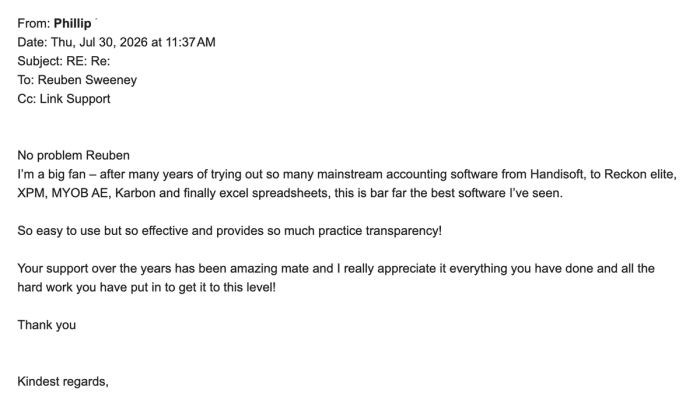
You looked at Karbon, and a handful of others. They were complicated, reporting was limited, and capacity didn’t even work.
Customer Stories
Link simplifies practice management for high-performance accounting firms by not half-solving problems.
Select the customer below to hear their story.
Terri Gamble, Director“We can quickly see where every team member is up to, which allows us to allocate work to the best person for the job at any given time.”

Brigette Fulton, Director“Since working with Link, our day-to-day operations are incredibly less stressful.”

Stephanie Pope, Director“We’d tried multiple other tools, but found them overly complex with too many moving parts. They weren’t particularly intuitive for day-to-day use, so the team didn’t engage with them consistently. As a result, there were gaps in how often we reviewed performance, and we lacked a simple, reliable way to stay on top of key metrics across the business.”

Emma Kenny, Director“The goals we set for lifestyle balance, early job filing and workflow efficiencies have come to fruition. The team hit 90% completion with 3+ months to spare and was fully filed a month before fiscal-year-end. This meant the team earned paid time off on Fridays from Jan–March… there was no EOFY rush.”
BEFORE YOU TRY THE DEMO
A few things you might be wondering

How does the demo work?
You’ll click through Link’s screens with prompts to guide you. Choose from 10 tours covering different aspects of managing your firm.

How long does it take?
Allow around two minutes per deep dive. Explore one area or try several—it’s entirely up to you.

Do I need to enter my email?
No. You can explore the entire demo without sharing your contact details or booking a call.

Do I need to connect my Xero account?
No. This is a guided product tour, so you can see how Link works without connecting your firm’s data.
WITH YOU EVERY STEP OF THE WAY
How onboarding works
Once you give us the green light, onboarding is typically completed within 30 days. Below is a high-level view of the process, from project kick-off to go-live and beyond.

Project Kick-off Session
Week 1
We meet to map out the rollout, timing, responsibilities, and key milestones.

Project Review Session
Week 2
We review the setup together and make a plan for future job creation.

Job Creation Session
Week 3
If jobs are being created by spreadsheet import, we will meet to review the spreadsheet.

Team Training Session
Week 4
We train your team to use Link confidently in their day-to-day work.

Go-Live
From today your team will be looking in Link to view their workflow

Adoption Session
Week 5
This Q&A session gives your team a chance to ask questions after they’ve started using Link.
GIVE IT A TRY
Take a look around Link
Choose a guided tour and see how it works, one click at a time.
No email required No sales pitch Around 2 minutes per deep dive
If you like what what you see, book a discovery call with our team.
See your firm the way it was meant to run.