Onboarding
Onboarding is fully managed by our team. Once you give us the green light, we take care of everything from project planning and data cleaning through to training, go-live, and post-launch support.
Our goal is to deliver not just an excellent solution, but an excellent onboarding experience and ongoing support to match.
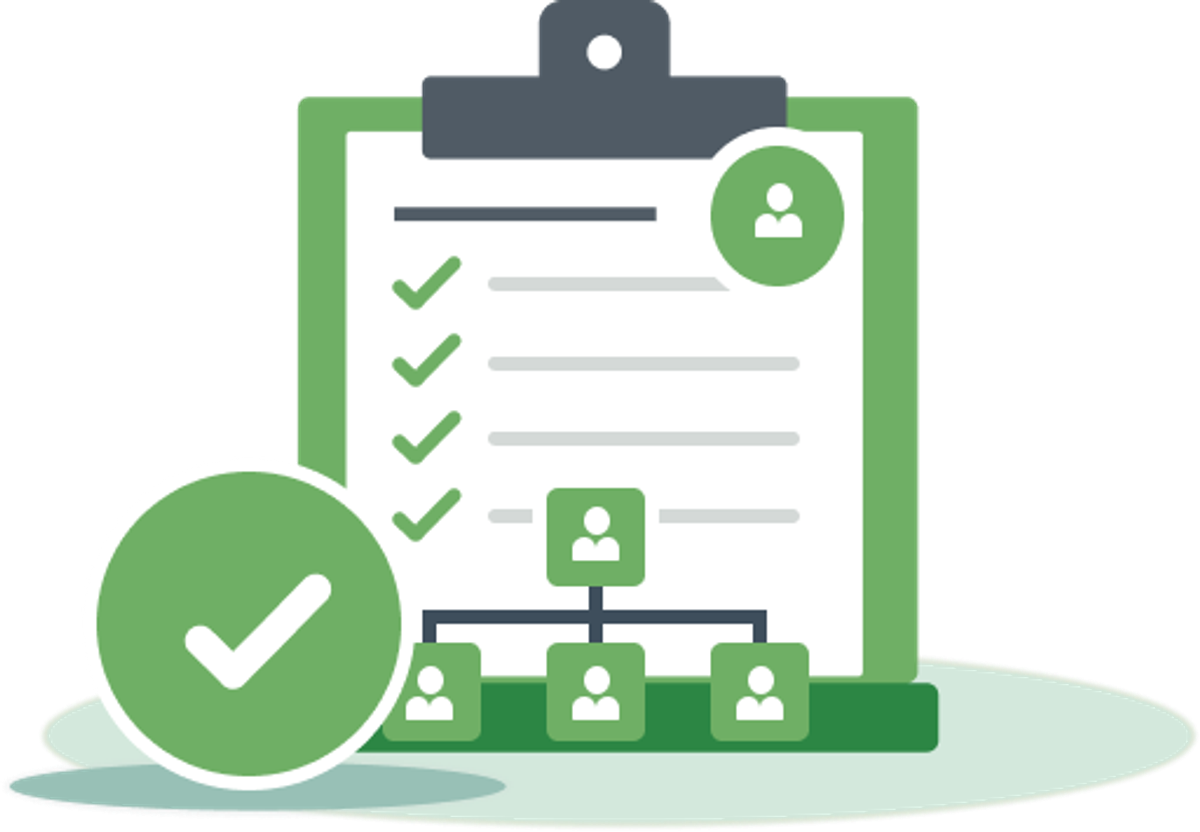
How Onboarding Works
Onboarding is typically completed within 30 days of you giving us the green light. We ask you to commit to just 3 Zoom meetings, and we take care of the rest. Below are the six steps for onboarding.

Green Light
You give us the green light, and we take ownership of the onboarding process.
Project Planning
We meet to map out the rollout, timing, responsibilities, and key milestones.

Data Cleaning
We prepare and clean your data for a smooth move into Link.

Training
We train your team to use Link confidently in their day-to-day work.

Go-Live
We support the move into Link and guide your team through the first days of rollout.

Ongoing Support
We are always here to support you, with real people who care about your success.
Project Outline
Onboarding is designed to get your firm set up in Link through a clear, structured process from kick-off to team training.
The process includes five 1-hour meetings, plus 2–4 hours of between-session action items for your project champion.
In total, your project champion should allow for an 6–8 hour commitment across the onboarding process. Your team’s commitment is simple: one 1-hour training session before go-live.
Below is a detailed breakdown of the process.
Project Kick-off
Session 1
Agenda (1 Hour)
- Review current jobs and templates
- Review current job creation and invoicing process
- Decide on the templates we would like moving forward
Job Cleanup
Work we complete
- Create new job templates for you
- Update your jobs to the new templates

Account Setup
Session 2
Agenda (1 Hour)
- Review your team targets
- Review non-scheduleable tasks
- Setup custom task states
- Walk through allocating some work

Project Review
Session 3
Agenda (1 Hour)
- Review your allocations
- Answer any questions

Team Training
Session 4
Agenda (1 Hour)
- Everyone training
- Manager training

Go Live
You are live!
From today your team will be looking in Link to view their workflow. Work will be allocated to them and they can complete their timesheets from Link.

Adoption Session
Session 5
Agenda (1 Hour)
- Q&A
- Review allocations
- Review budgets
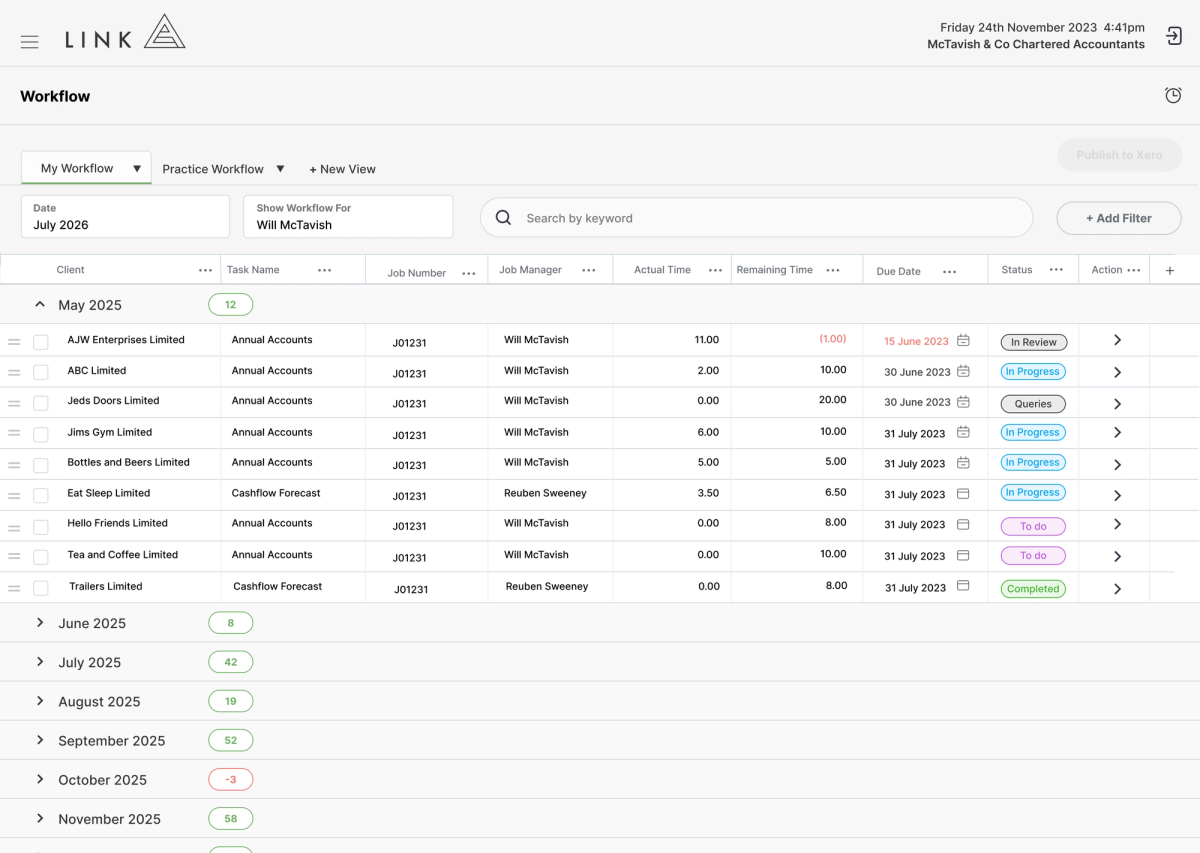
- Review workflow

Ongoing Support
We are here to help
We don’t hide behind AI chatbots or complicated support systems.
- support@linkhq.com
- In-app chat
Team Training Agenda
Team training is split by role, so everyone learns what they need without sitting through what they don’t. The session covers core workflow first, followed by manager and administrator training.
Everyone
Agenda (30 minutes)
- Introduction to Link
- Where to find training and support
- Full process run-through
- Team
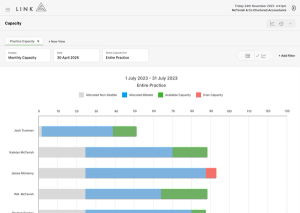
- Capacity
- Individual workflow
- Custom task states
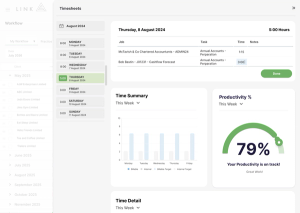
- Timesheets (3 Methods)
- Red dots in timesheets
- Work chat
- Completion of tasks
- Capacity responsibilities
- Q&A

Managers
Agenda (20 minutes)
- Running a workflow meeting
- Allocating work overview
- Allocating work best practice
- View suggestions
- Budget reconciliation

Q&A
Agenda (10 minutes)
- Open question time
Onboarding Fee
This one-time fee covers the work required to set up your firm, support your project champion, and train your team to prepare them for a smooth go-live.
1 - 10 Team Members
One time onboarding fee
11+ Team Members
One time onboarding fee
World-class Onboarding
"Our onboarding experience was very smooth. The Link team were knowledgeable, responsive, and made the process really easy.
They made sure we were comfortable and knew what we were doing before going live with the platform."

Customer Stories

Shona Wallace, DirectorHW One“We were historically reactive to client work and with the data we were starting to see from Link, we quickly realised that we needed to start being more proactive around planning to become more efficient and ultimately see some dramatic changes in our KPIs.”

Brendan Podevin, DirectorHeaney Business Group“With Link, reporting became automated, systemised, and easy. Schedulable WIP reporting and improved visibility across the business allowed the team to make faster, better informed decisions.”

Gemma Heaney, Director Arcus Advisory“What attracted us to Link was how it was built specifically for accounting firms and its seamless integration with Xero Practice Manager…a standout feature for us was the ability to clearly visualise staff capacity and workflow across the entire firm.”
Terri Gamble, Director“We can quickly see where every team member is up to, which allows us to allocate work to the best person for the job at any given time.”