Automated Work Allocation
Automated Work Allocation removes the most time-consuming part of managing workflow.
Every task needs three things to work properly: who’s responsible, when it’s due, and how long it should take. Without this, workflow breaks down, deadlines get missed, and budgets become guesswork. The problem is, setting this up manually across thousands of jobs takes days.
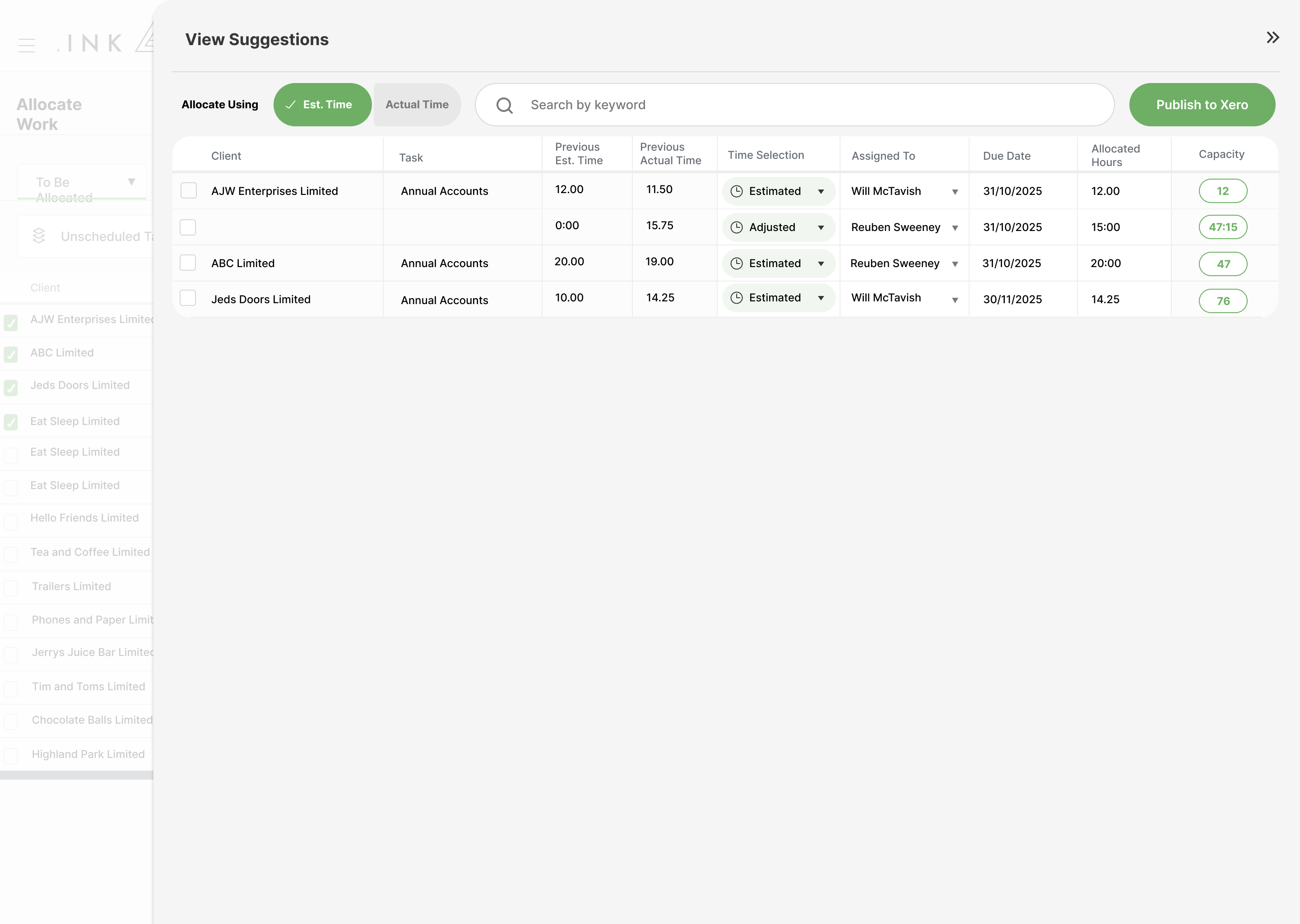
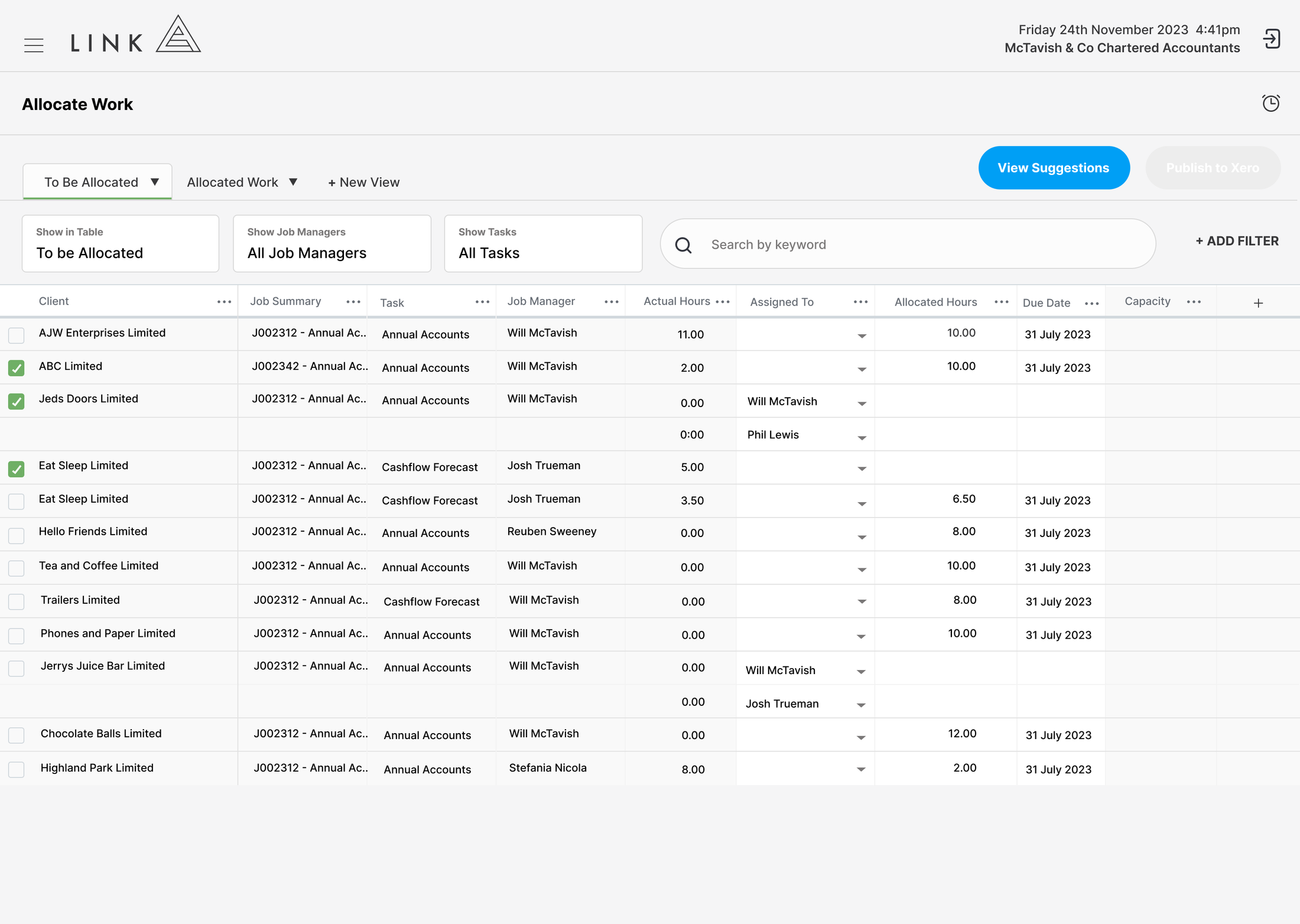
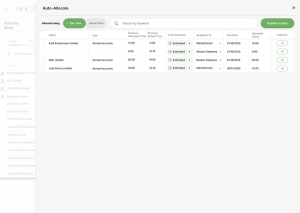
Link solves this with genuine automation. Using historical data, we suggest allocations, due dates, and estimates for every task in just a few clicks. What used to take days can now be done in minutes, giving you a complete, structured workflow that also powers capacity and reporting automatically.
1 What is Work Allocation?
Work Allocation is the process of assigning tasks with the three inputs required for a effective workflow: who is responsible, when it’s due, and how long it should take.
These three inputs are what turn a list of jobs into structured, high-performing workflow. They give every team member clarity on what to do, when to do it, and how long they have to complete it. Without them, work becomes reactive, deadlines are missed, and budgets quickly blow out.
The challenge is scale. Manually allocating tasks across hundreds or thousands of clients is time-consuming and often inconsistent.
Link solves this by using historical data to automatically suggest allocations, due dates, and estimated hours. By analysing how similar work was completed previously, Link can pre-fill an entire firms workflow in seconds, with the flexibility to adjust where needed.
The result is fast, consistent allocation at scale. What used to take days can now be done in minutes, giving your team immediate clarity, improving on-time delivery, and reducing write-offs through better upfront planning.

Why Choose Link?
Most practice management apps stop short when it comes to work allocation. They may automate task creation or assign work to people, but they ignore one of the most critical inputs: time. Without estimated hours, there’s no control over budgets, no visibility over performance, and no foundation for accurate capacity.
That’s not by accident. These platforms can’t support true capacity or WIP reporting, so they avoid the inputs required to power it. The result is predictable: poor write-off control, limited visibility, and reporting that doesn’t reflect reality.
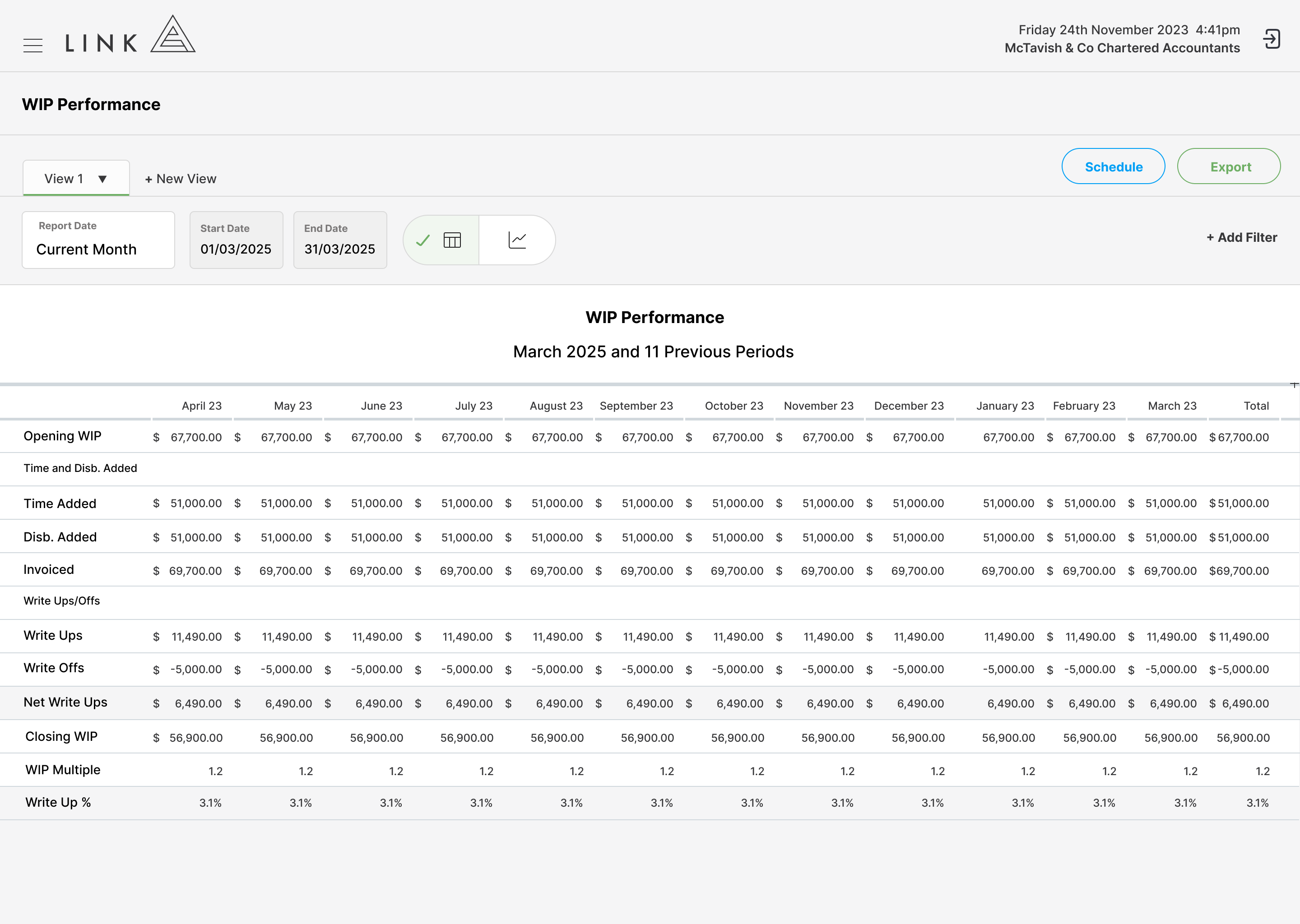
Link takes a different approach. Every allocation includes who, when, and how long, because those three inputs power everything else. Automated Work Allocation feeds directly into Perpetual Capacity and WIP, giving you accurate reporting across workflow, team, client, and financial performance.
This means you’re not just allocating work faster, you’re building a system where every decision is backed by real data.
Looking at another solution?
Pump the brakes! Most systems do not have real capacity. They show a static plan of assigned work or a basic workload chart, but because those plans are not live, they are outdated as soon as work changes. Here are five ways to test the accuracy and functionality of any capacity management system.
LINK
Capacity is always live and adjusts with every interaction Tasks completed under budget increase available capacity Task overruns reduce available capacity for the month Leave reduces available capacity relative to target capacity Time added to unallocated tasks reduces available capacity Time added to future tasks adjusts capacity in relevant months
Other Solutions
Capacity is a static report and requires manual updates Tasks completed under budget do not update capacity Task overruns do not update capacity Leave does not update capacity Time added to unallocated tasks does not update capacity Time added to future tasks does not update capacity
Customer Stories
Link simplifies practice management for high-performance accounting firms by not half-solving problems.
Select the customer below to hear their story.
Grant Heaslip, Director“The Link team made it so easy and could explain everything while helping improve things along the way.”

Shona Wallace, Director“We were historically reactive to client work and with the data we were starting to see from Link, we quickly realised that we needed to start being more proactive around planning to become more efficient and ultimately see some dramatic changes in our KPIs.”

Terri Gamble, Director“We can quickly see where every team member is up to, which allows us to allocate work to the best person for the job at any given time.”

Maria Livingstone, Director“Link gives us confidence that we have visibility over how work is progressing across the team, which means we can respond early if priorities need to shift or additional support is required.”
See for Yourself
Explore how Link delivers Work in Progress reporting in a live, self-guided demo.